header image
 

grrr….b991 already

Here ya go:

http://dl.dropbox.com/u/6044993/b991_release.zip

I really hadn’t intended on updating this stuff quite so soon, but I found a bug tonight that prevents the patches from loading from a saved Live set….something I added at the last minute and should have checked out further.

IMPORTANT:  replace boiingg_b99.class in the Max/Cycling ’74/java/classes folder with the new one (b99b).  In fact, I left ‘classes’ off the destination address, so, in fact, if you followed the directions you put both the .class files in the wrong folder: make sure plinko_b99b is in the right place.

If you downloaded the first package, you should download this one now.  If you have saved any patches with the old plugins and have preset info stored in the project, you can just drop the new plugin (version b991) on top of the old one and resave the project….all the pattr information will transfer to the new plugin.  Besides the actual m4l client plugins, everything is identical.

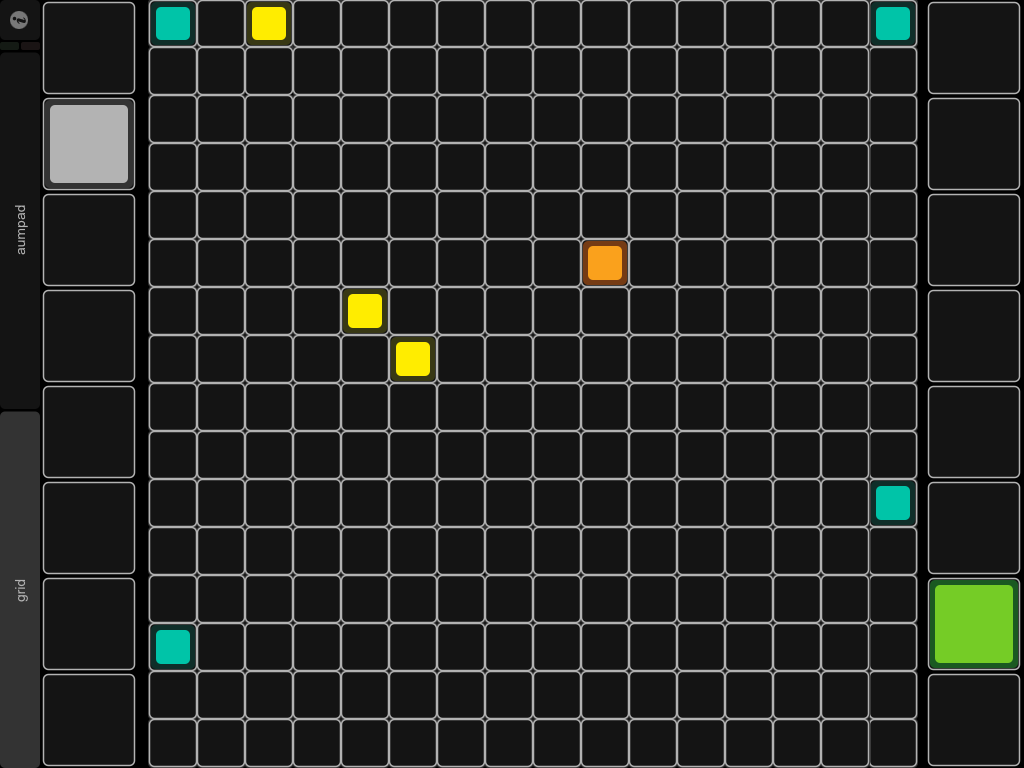
In addition, I’ve fixed the preset storage in Plinko and Boinngg so that presets can be stored and accessed from the grid.  Just hold down Alt (top right function button on Ohm, User2 button on Launchpad) and the grid is split in two while its held down:  the top 32 cells will be blank, and will indicate locations after they are stored, while the bottom 32 are flashing, and represent empty locations that can be stored.  If you press a bottom cell it will store a preset location in the corresponding top cell.  If you press a lit cell on the top (if its turned on because you’ve stored a location there) it will recall that location.  I had to do it this way because I was out of buttons and didn’t want to rewrite a bunch of new stuff right now….besides, there are enough silly button combinations as it is.  Let me know if that makes sense to anyone?

Boinngg will recall the same grid space as it existed right when you store the preset.  I’ll have to work on the timing later.

Expect similar preset systems for all the other plugins as I have a chance to integrate this new method.  The object I’m using will become a reuasable abstract as  I get the bugs worked out and decide what works best (for instance, there’s still no way to copy and paste or erase already stored presets….but you can always just overwrite a preset, and for copying, just recall a preset into the grid and store it in another location).

Still no tutorials, my evening was spent fixing bugs instead….hopefully things go better tomorrow.  I did get to play some music with the new stuff tonight, though, so that’s encouraging 🙂  Everything went swimmingly after I figured sorted out the bug.

I’m still running into weirdness when switching between edit mode or saving m4l patches as presets (which is what the introduction of the b99 bug was all about….I made a change that was supposed to fix that problem, but instead it caused another).  I’m working on it…I don’t think anyone is using this stuff for further coding anyway, but if someone runs into issues, let me know.

I’ll be migrating to 10.6 later this week, so I should have a better testing platform for those of you that are on MacOS.  Wish me luck…that’s 3 computers to upgrade and without anything breaking….blehhh.

It honestly wouldn’t be so irritating if I didn’t have to open up every single patch, resave it, refreeze it, resave it…..whatever.  Labor of love 😉

a
Windows b99

Updated the package to contain the relevant files for Windows installation, and have received reports that everything is working on that platform.

Apparently, I had some misunderstandings about the color scheme for the production version of the OhmRGB, so that script will have to be updated shortly when I get it sorted out….no big deal, since I don’t think anyone actually has one yet 😉

a

Somebody drop a beat….

Alright, then.  I have to get this out….I have a feeling I’ll find lots of stuff wrong with it, but I have to get it out….

The files:

http://dl.dropbox.com/u/6044993/b99_release.zip

The problem with having so many files floating around is that by the time I get done checking the last ones, the first ones are deprecated hehe.  I need a team…a team of elves…a team of elves that write code.  And make cookies (mmmmm cookies…..)

Moral: PLEASE let me know what happens when you try this stuff out.  I don’t have an installation of 10.6 or 10.7 so I have no idea what it will do with those OSes.  Working on 10.6, its bound to be a good thing to have.  In the meantime, you are my cybernetic eyes and ears.

You will need versions 8.22 of Live, 5.18 of Max, and update your Java installs just for good measure.

I’ve chased down every single bug I could find with the MonOhm script, but I suspect there might be a few little ones left.

The plugins are largely untouched…except for Plinko, which is much more stable, faster, capable of recalling up to 32 presets, and still completely undocumented (don’t worry, that bit is just over the horizon….).

OSX only for the time being.  When I can find someone with Windows who will test for me, I’ll put together a package for that OS as well.

And NOW….for the tutorials.  I’ve already posted one for the Ohm64 script (yesterday?), and I’ll be working on some new ones for each individual plugin later this week.  Furthermore, I’ve come up with an idea:

I’ll be presenting at GAFFTA in San Francisco on the 25th of August (Ableton Hack Night), and I don’t have any material that I want to use.  So for the next two weeks, I’m going to video document my progress in creating a short Live PA set for the performance that evening.  I’ll start roughly from scratch with an empty template project and gradually add plugins that I’m going to use for either preproduction or during the actual performance itself.  I’ll give an explanation of what each plugin does, how to use it, tricks you can do with it, and probably some performance.  I think this is the only way I’m going to be able to force myself to get these tutorials over with, as the other way is just boring me (and you, I’m sure) to tears.   In addition, you’ll get to see some of the plugins that are ‘as yet unreleased’ in action, and maybe you can give me some pointers about how I can suck less 😉

Incidentally, there’s a whole lot more stuff that goes with this, but can’t be released right now.  Expect a Livid Code script (I have a working one, but I need to polish it up a bit….and finish two patches that go with it, or its fairly worthless), a Livid Block script (I’m waiting on the Block to arrive in the mail…it shouldn’t take long after I get it), and an APC40 script (again…shouldn’t take longer than a day, although I don’t think I’ve gotten one response from ANYONE using the old one, so that one may sit on the shelf for a while)…..Oh, and an iPod script for TouchOSC, just because a good friend of mine really should have one.  But I’ll rant about that stuff another on another evening.

Oh, and if someone would send me a monome, I’d gladly incorporate it as well….

Btw,  if any of this stuff catches your house on fire or something, I am NOT responsible.

a

LaunchMod for Launchpad, a new Block script, and any Virus users?

While I’m waiting for the fix from Livid for the RGB stuff, I decided to go ahead and start building the script for the LaunchPad.  It seems that hard work has paid off…it took less than a couple of hours to get this thing going, and most of that time was spent with fixing Python errors due to the lack of decompyled 8.22 Launchpad scripts.  This just demonstrates the portability of the scripts I’ve already written.  I should be able to release the new Monomodular script for the Launchpad (‘LaunchMod’)  at the same time as the rest of the b99 scripts.

One cool thing I’ve been able to do is to put the Monomodular mode in a completely seperate space.  You’ll be able to use the script exactly as it normally works, and by pressing User1 + User2 at the same time, enter Monomodular mode.  I think this will offer some more possibilities, since the individual User1 and User2 modes remain intact, and you can use them for whatever you were using them before.

In addition, Jay @ Livid agreed to send over a Block for me to test with, so there will be a new script available for it as soon as I receive it.  I’m going to port the Launchpad script directly over to it, and perhaps the Ohm64 script as well….so those of you with Blocks will have a bunch of new toys to play with!

One last thing….I’ve discovered a serious bug with mxj’s and the Virus Control plugin…I’ve contacted the relevant authorities (hehe), but I’m wondering if any of you out there have a Virus and are willing to test out some files and see if they can reproduce my results?

a

(whistles while twiddling thumbs)

Some of my stuff got buggered with the new firmware on the RGB.  Almost back up to speed, but we have to fix/figure a few things out before release….stay tuned.

a

One last thing.

The MonOhm script for the Ohm64 is finished.  I worked out the last bug I could find this afternoon. 

The AumPad script for TouchOSC is finished.  I have one more test run to make with it.

I’ve started video tutorials for the MonOhm script.

The new version of Plinko is done.  4x faster, with grid-based preset storage that works.

One last thing to do before release:  Livid just released a new firmware now that the RGB is public, and it should make things a little nicer.  I need to update the firmware on my RGB and make a few code tweaks, and you will all have some new toys to play with 🙂 

If you’re bored in the meantime, check out the new docs page for the MonOhm script.  Its available to the left of this post.

a

A few pics…

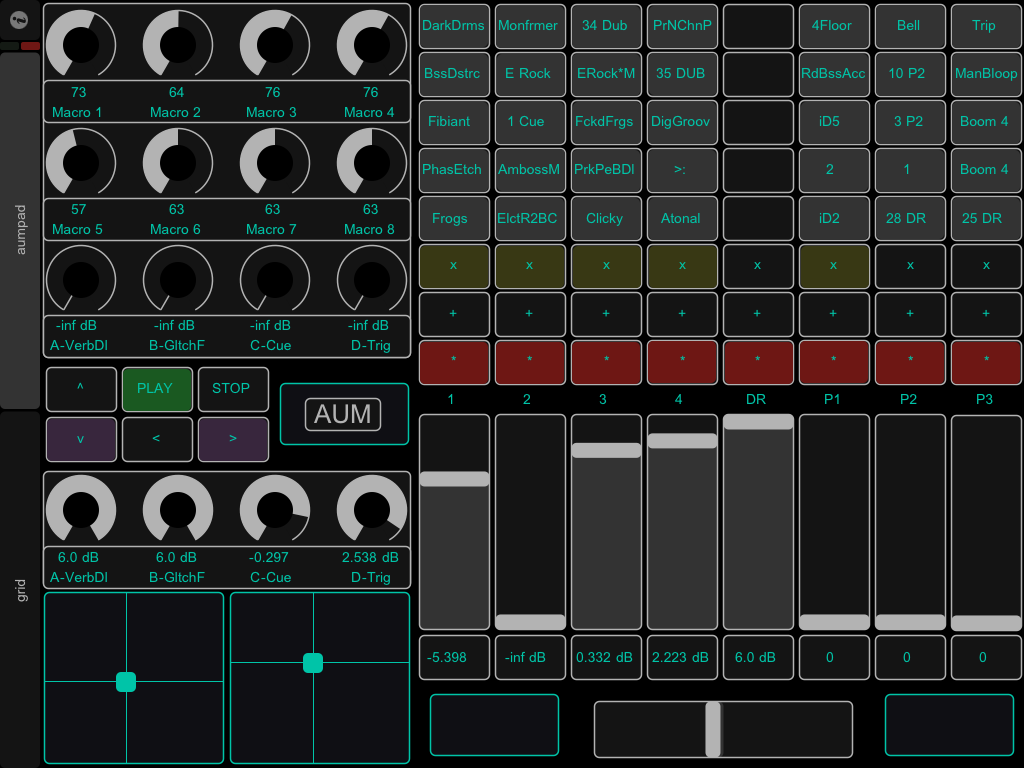
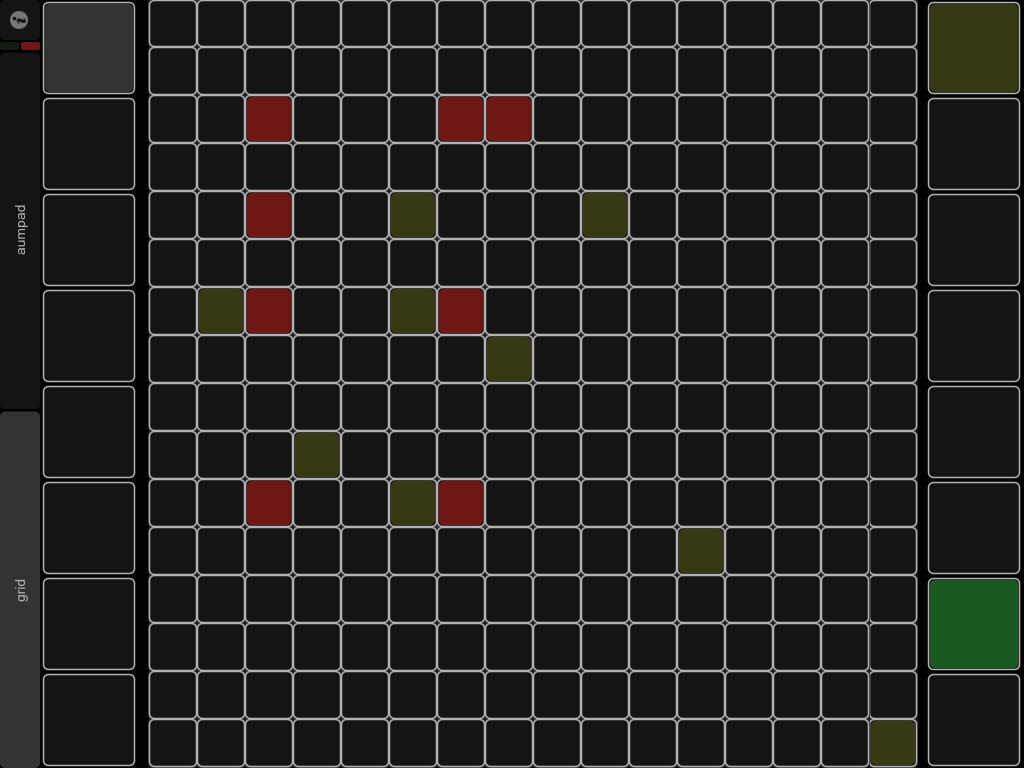
Here’s a few pics of the new template.  The top ones are in “Bright” mode, the bottom in dim.  Dim mode is far easier on the eyes for me, and a lot faster (since the AumPad script only has to send about two thirds as much data each time it updates).

Monday is EVIL…..

I’m just not feeling this monday thing right now. 

Instead of making videos last night, I completely redesigned the pattr system used in Plinko for the (seventeenth) time.  It appears to work now.  It appeared to work before, until I started using it, and then it didn’t work.  Go figure.  Sometimes I hate Max.

That was merely 4 or 5 hours of scratching my head and cursing at inanimate objects….I really hope I don’t have to do that again for a while. 

It is a step towards having a universal grid-based memory recall system for all the monomodular patches.  But its NOT a step forward in getting instructional materials released.

For those of you that are wondering:  the iPad script is finished.  There are a few details I’ve left out, so consider it beta (erm….consider everything I do beta.  Its just the rule.  Always. Unless otherwise notified.  Its beta.  Yup).  I’ll update those as I figure out the best way to do it (hint:  I am refering to the two x/y pads on page two that do absolutely nothing right now, but eventually will have an interface equivalent to my ‘knobs’ plugin).  It’ll be published as soon as I figure out what to do about the Windows version, since I’m using Cassiel’s Zeroconf ports on OSX and I’m not sure how they work (if they work) on Windows. 

I played with it last night for a few hours after Plinko was up and running and OH BOY!  Blinky 🙂 Yay!

I squashed some bugs during the recent dev process, and since the iPad script and the Ohm64 script are nearly identical in function, I’ve located most of the bugs in the Ohm64 script as well.  I still need to port the changes over to it, but a release is imminent (a day and hours, not weeks like before).  I’m still on track to record some tutorials and make some docs tonight and tomorrow, but I’ve learned there’s no sense in trying to explain how something works when it doesn’t, in fact, ‘WORK’.

a

Anway

It was a nice idea, but the closure thing didn’t work out after all.   Still, it was good for learning some new things about Python and the Live _Framework, and I’ll be able to use it later for other things.  Instead of the original thought, I wrote some simple overrides and everything works great now.  I’d still really love to figure out how to do this stuff with some closures and staticmethods, but I can’t work out exactly how to do it….

The iPad script is done for the most part.  Its very slow at this point, but that will improve now that the groundwork is in place and I can focus on the details.  I have a huge laundry list of things to get done on all of the current stuff, but everything is functional.

Having wasted two days chasing a white rabbit, I’m going to spend some time tomorrow documenting and making some short videos about what I’ve been working on.  I have a couple of days off of work, so hopefully this is the home stretch in getting something functional out into the wild in a usable, understandable form. 

a

Some closure(s)

Yeah, sorry, the title is misleading….what I MEAN is, I’d been having trouble figuring out a way to port the iPad Nameserver (for clip names) over to Python without writing overrides for every part of the _Framework session components.  Soooo, that’s what has been taking so long.  I did a little bit of studying yesterday and discovered a way to hack the _Framework scripts by using a simple closure in the top Class, so hopefully I’ll have the basic functionality of the iPad script finished this evening.  Again, this is a lovely little technique will avail most of you in hacking the _Framework scripts without having to write an override for the base-level components/controls.  I’ll probably begin using in other places as well if I don’t find any good reason not to (anyone know a good reason not to?).

I’d love to have some testers for this stuff, so if you have an iPad or an Ohm64 and the desire to manually install some components, the current versions are on svn.  I’ll have  a new version of the AumPad script up as soon as I finish writing the new NameServer portion of the scripts. 

There are a lot of piddly little details that need to be ammended, but I haven’t ran into any major problems with any of it (I’ve had the current version running on my Live rig for about 5 days straight with no reboots and no crashes). 

Plans (in order):  finish and publish iPad script to svn,  record some tutorial videos, publish a package with all the finished scripts, start working on a Block script.